
Take leads from contact to conversion
Your typeform can segment leads, give them scores, and send all that data straight to your CRM. Follow these 3 steps to make it happen.
- Segment leads with ease
- Assign scores to answers
- Sync lead data with your apps
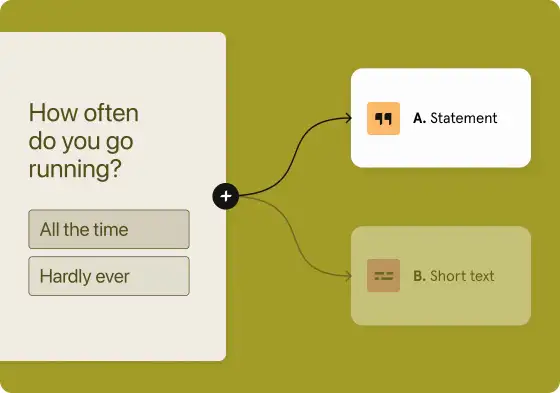
Step 1: Segment leads with ease
Typeform's built-in Logic lets you create different flows for different leads. That means your prospects will only see questions relevant to them, and you'll see higher completion rates.
See how Logic works
Step 2: Assign scores to answers
By assigning score values to responses, your typeform can sort the leads who are ready to convert from the ones who need some nurturing.
Learn more about scores
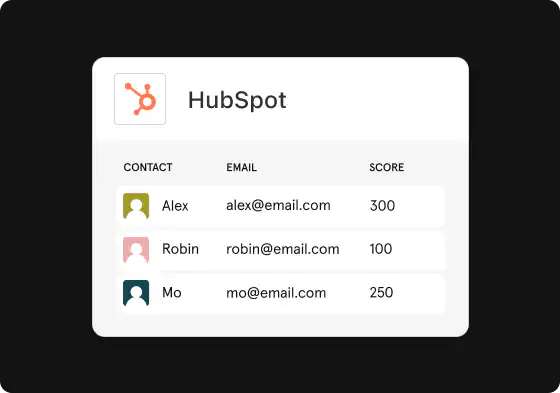
Step 3: Sync lead data with your apps
Never miss out on hot leads when you connect your typeform to your favorite apps. Automatically create contacts in HubSpot, get Slack notifications when top leads complete your typeform, schedule and sell directly with Calendly and Stripe, and lots more.
Check out all the integrations
Ready to get started?
Rated 4.5 out of 5 from over 700 reviews on G2.com
Log in · Help Center · Community · Blog. Need a break from our emails? You can unsubscribe here or change your settings here. Typeform SL - Carrer de Can Rabia, 3 - 5, 4th floor, 08017 - Barcelona (Spain)