

Once you've created a guide, it's ready to share….or is it?
Since you're you, you probably want to make a few edits to make sure your colleague or client can follow it perfectly. Here's how.
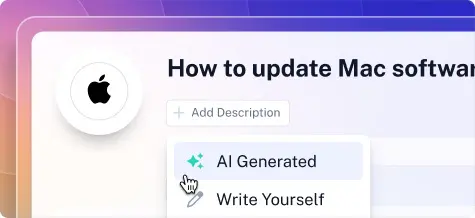
Add title, description and icon
With the help of AI, you can instantly add a title, description and app icon to your Scribe.
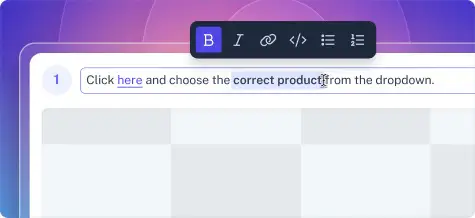
Edit and format instructions
Scribe writes your step-by-step instructions for you, and then you can edit or format the text however you want.
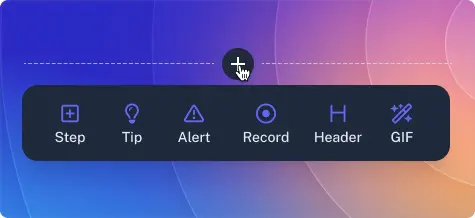
Add new steps
Add new steps, headers, tips and alerts — why not throw in a GIF?! Click “Capture” to add new steps into this Scribe.
The sky's the limit when it comes to customizing your Scribes. Check out all your options here.
1 Bluxome St. Unit 312, San Francisco, CA 94107. This email was sent to {email}. ©2024 Scribe | unsubscribe