
Less Repetition. More Productivity.
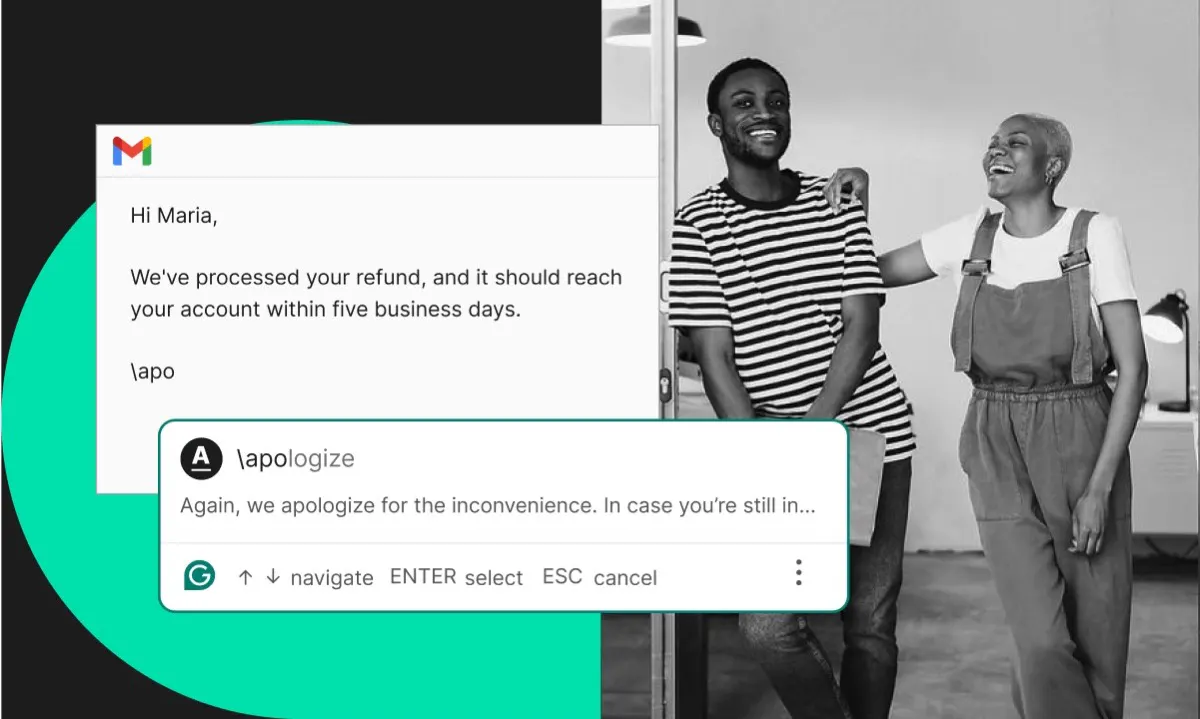
Typing out the same information for different recipients isn't just time-consuming—it's unnecessary. Grammarly's snippets feature allows you to save prewritten text and use it with a few quick keystrokes. Try it for answering support questions, adding standardized language to documents, and more.
Here's how to create a snippet:
- Step 1 — Go to the Snippets page.
- Step 2 — Click Create Snippet in the upper-right corner.
- Step 3 — Name your snippet, add its content, and select a collection to store it in. Store the snippet in the default Personal collection if you don't have any collections.
To use a saved snippet, hit the backslash key ( \ ) and start typing the snippet's name.
Create a Snippet
You received this email because you are currently opted in to receive them via your preference settings. You may adjust your preferences at any time by clicking the link above. © 2025 Grammarly, Inc., 2261 Market Street, STE 85232, San Francisco, CA 94114