"Hey, do you have a minute?"
The new guy on your team just pinged you asking how to pull a report (something you're an expert at). What do you do?
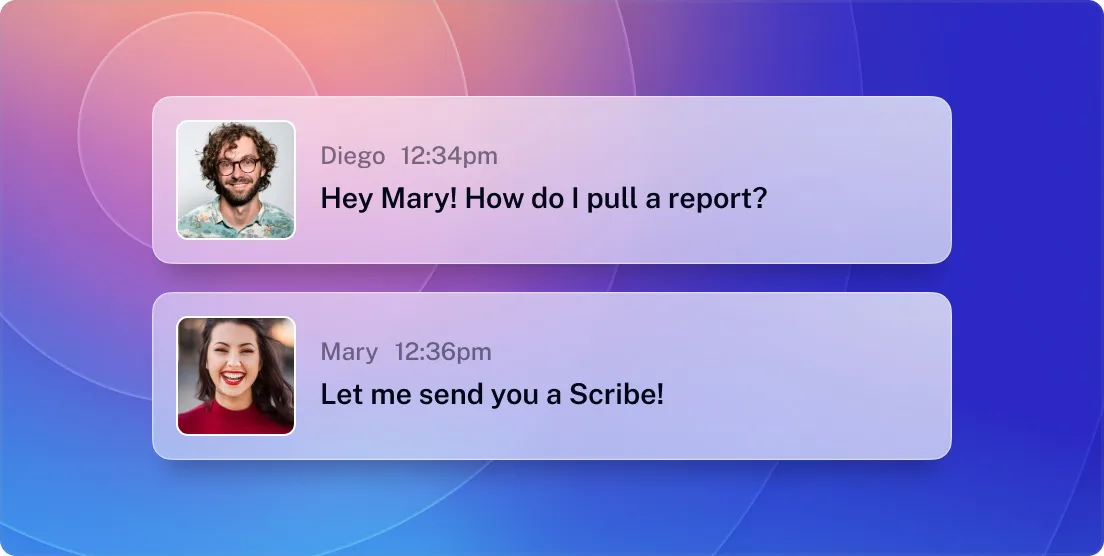
Before Scribe, what would your next move be? Start taking screenshots? Type out instructions? Hope he figures it out himself?
Now you can just open the Scribe extension and select “Start Capture.” Walk through the steps you'd normally take to pull that report. When you're done, click “Stop Capture.”
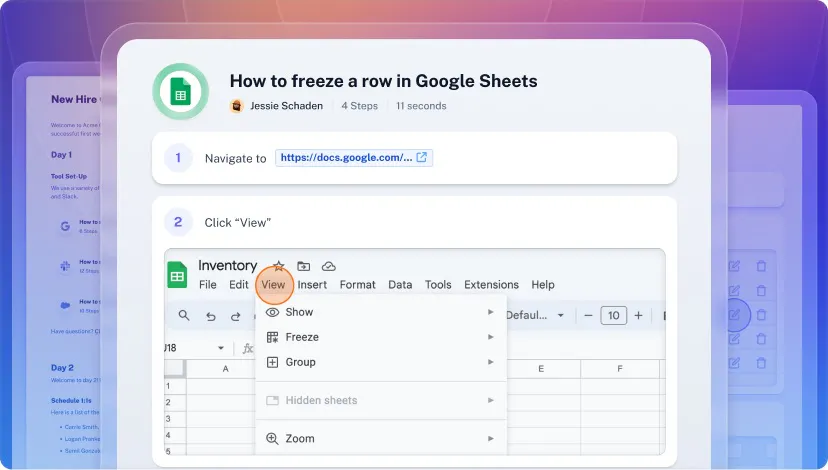
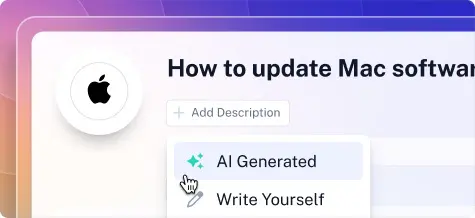
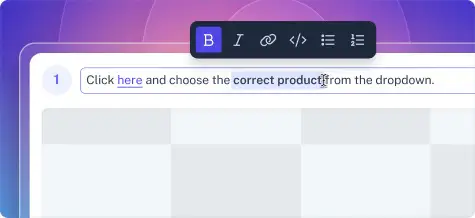
Boom! Just like that, your step-by-step guide is automatically created, complete with screenshots and text instructions.
It's perfect: you get to be helpful…without spending the next hour building out a how-to guide in Word.