CoderPad
Let's create your first Interview pad!
To create your first interview pad, all you need to do is ensure you're in the Interview dashboard and then click on the Create Pad button at the top right of your browser. Create your first pad.
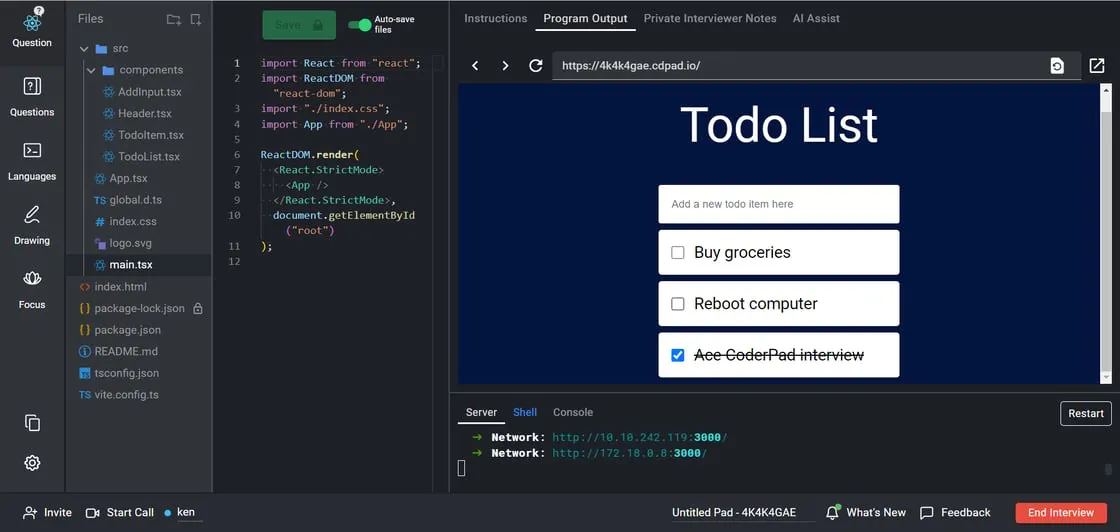
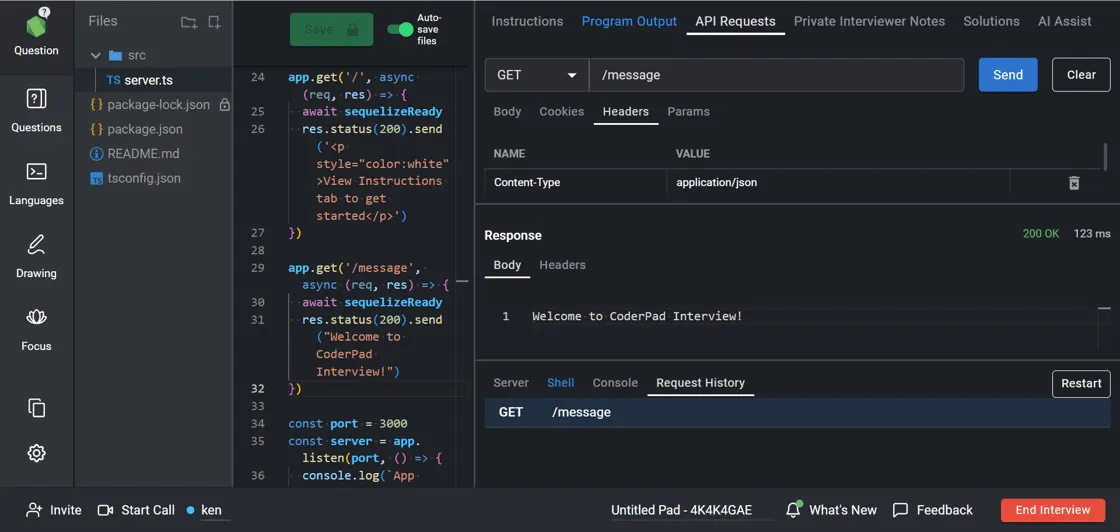
Next, customize the pad by adding starter code in your preferred language, adding a descriptive diagram, or adding interviewer notes.
Once you're ready to interview, send the URL to the candidate or send an email invite using the Invite button at the bottom left of the screen. Then click Open Pad to Everyone at the top of the screen, and you can start the interview!
With the recent interest in technical interviewing, is it time to review your account and resume your CoderPad plan?
If you'd rather create a question you can reuse across multiple candidates, check out the Question Bank feature docs.
Want to start with a Screen assessment instead?
If you want to assess key skills asynchronously, simply switch over to CoderPad Screen in the left navigation menu and click on the New Test button at the top right of your browser. Create your first test.