Say hello to mobile app verification—an easy way to verify your identity to help keep your account secure.
Hi there,
Now that you’re using the Capital One® Mobile app, let’s get you familiar with mobile app verification. This feature serves as an extra layer of security that helps keep your information safe. At times, we may need to ask you to verify your identity to help prevent fraud. With mobile app verification, you can do so right from your phone.
Mobile app verification uses your sign-in credentials and your phone to help ensure that you—and only you—can access your Capital One account. It’s one of the most secure ways to verify your identity.
Here’s how it works:
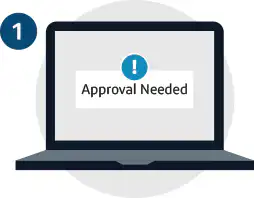
Begin Activity
Start an activity that requires stronger authentication.
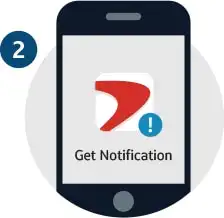
Receive Notification
Receive a notification on your device asking you to confirm your identity.
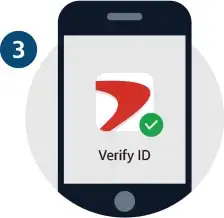
Verify Identity
Sign in to the Capital One Mobile app to confirm your identity.
Continue Activity
Continue your activity, knowing your information is secure.
Manage your enrolled devices or turn off the feature in the app by going to the security settings and selecting mobile app verification on Apple® devices or Trusted Devices on Android™.